開始遊戲
由 EmulatorJS 驅動 · Arcade
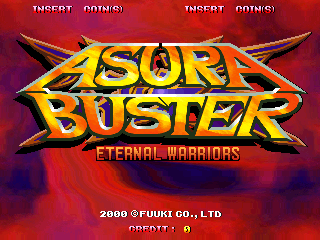
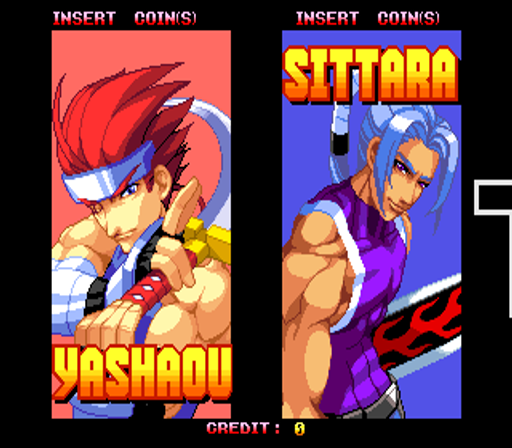
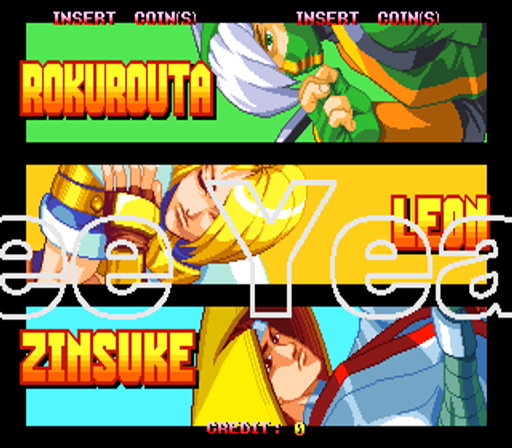
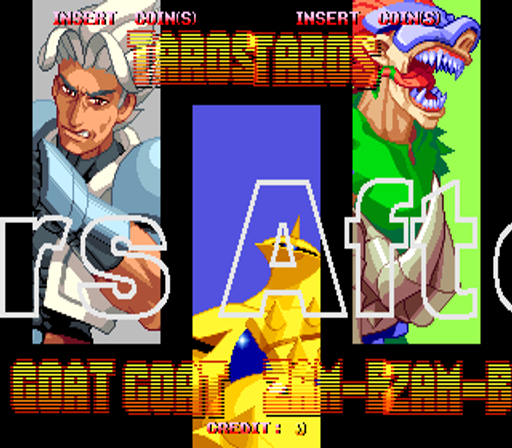
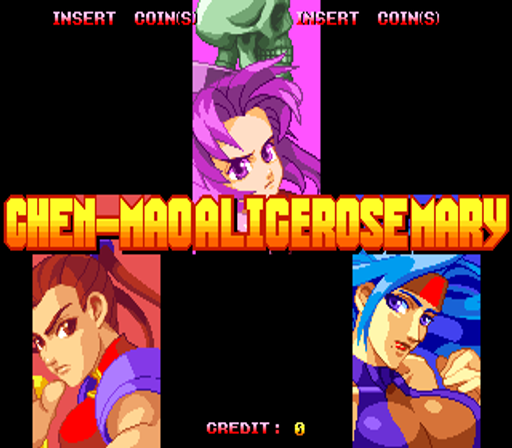
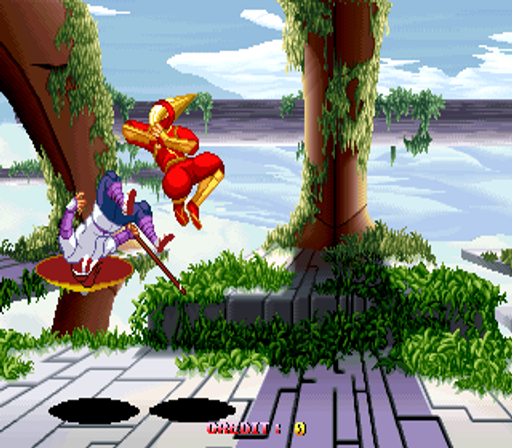
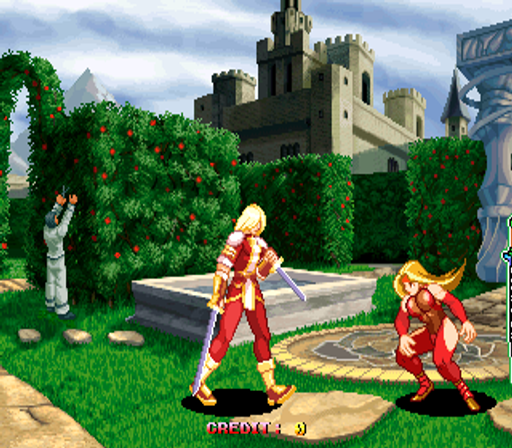
26 年前發布的街機電玩遊戲: 阿修羅剋星 - 永恆的戰士 (c) 2000 Fuuki Company, Limited。 一對一的格鬥遊戲。 《修羅刀-王朝之劍》的續集。 - 技術 - 主CPU:摩托羅拉68EC020(@ 20 Mhz),Zilog Z80(@ 6 Mhz) 聲音晶片:YMF262 (@ 14.31818 Mhz)、YMF278B (@ 33.8688 Mhz) 玩家:2 控制:8向操縱桿 按鈕:3 => 輕攻擊、重攻擊、強攻擊 - 瑣事 - 《Asura Buster》於 2000 年 12 月 26 日僅在日本發行。 - 更新 - 遊戲的特殊版本已發送至 ARCADIA 雜誌進行審查。此版本在按住按鈕時具有額外的暫停功能,對於擷取螢幕截圖非常有用。 - 提示和技巧 - * 扮演七海: 在戰鬥機選擇畫面上,將遊標移到 Sittara 並按開始,然後移動到 Leon 並按開始,下一步移動到 Alice 並按開始,之後您必須移動到 Chen-Mao 並按開始,然後轉到 Zinsuke 並按開始,最後移動到 Rokurouta 並按開始。完成此操作後,請移動到綠色隨機選擇框,其中將出現 Nanami。 * 扮演年輕的愛麗絲: 在角色選擇畫面上,將遊標放在 Yashaoh 上並按開始,然後轉到山羊並按開始,然後轉到迷迭香並按開始,然後轉到塔羅斯並按開始,然後轉到 Zam-B 並按開始,然後轉到頂部,紫色隨機選擇框,其中將出現年輕的愛麗絲。 - 職員 -
本庫記錄的人數布局:2P sim。
若想按手感逛而不是按標題,可點上方標籤進入對應類型廳,或回到 Arcade 廳看整面機櫃牆。
在本頁點「開始遊戲」即可啟動《Asura Buster - Eternal Warriors (USA)》。鍵盤、USB/藍牙手把,以及模擬器列裡的觸控虛擬手把都可用。即時存檔與全螢幕也在同一條底列,方便中途暫停再繼續。
《Asura Buster - Eternal Warriors (USA)》在本庫收錄年份為 2000。
本機櫃人數佈局:2P sim。
本站類型標籤:Fighter。
廠商欄標註為 Fuuki。
同廳附近還可打開(各有獨立開玩頁):Asura Blade - Sword of Dynasty (Japan), Susume! Mile Smile / Go Go! Mile Smile (newer), Gyakuten!! Puzzle Bancho (Japan), Age Of Heroes - Silkroad 2 (v0.63 - 2001/02/07), Astra SuperStars (J 980514 V1.002), Bloody Roar 2 (World), Breakers Revenge, Crusher Makochan (Japan), The Crystal of Kings, Cute Fighter, Capcom Vs. SNK Millennium Fight 2000 Pro (Japan) (GDL-0004), Touryuu Densetsu Elan-Doree / Elan Doree - Legend of Dragoon (JUET 980922 V1.006)
Asura Blade - Sword of Dynasty (Japan) · Age Of Heroes - Silkroad 2 (v0.63 - 2001/02/07) · Astra SuperStars (J 980514 V1.002) · Bloody Roar 2 (World) · Breakers Revenge · Crusher Makochan (Japan) · The Crystal of Kings · Cute Fighter · Capcom Vs. SNK Millennium Fight 2000 Pro (Japan) (GDL-0004) · Touryuu Densetsu Elan-Doree / Elan Doree - Legend of Dragoon (JUET 980922 V1.006) · Gaia Crusaders · JoJo's Venture
廠商欄標註為 Fuuki。可前往該開發商貨架瀏覽更多作品,或留在本頁試旁邊的機櫃。
Asura Blade - Sword of Dynasty (Japan) · Susume! Mile Smile / Go Go! Mile Smile (newer) · Gyakuten!! Puzzle Bancho (Japan)
可以。Classic Arcade Games 把《Asura Buster - Eternal Warriors (USA)》作為 Arcade 機櫃放在本頁,點開始即可在瀏覽器裡載入模擬器,不必另裝應用。
街機手感:方向鍵當搖桿,X/Z 等作按鍵,Enter=Start。 USB / 藍牙手把可直接用;六鍵格鬥用面鍵區。
同系列相關機櫃包括:Asura Blade - Sword of Dynasty (Japan)。每台都有獨立頁面,瀏覽器開玩路徑相同。
複製下方 iframe 程式碼,即可把遊戲嵌到你的網站。
<iframe src="https://tw.classicarcade.games/games/arcade/asurabus?embed=1" width="800" height="600" allowfullscreen allow="gamepad; autoplay; fullscreen"></iframe>