開始遊戲
由 EmulatorJS 驅動 · Arcade
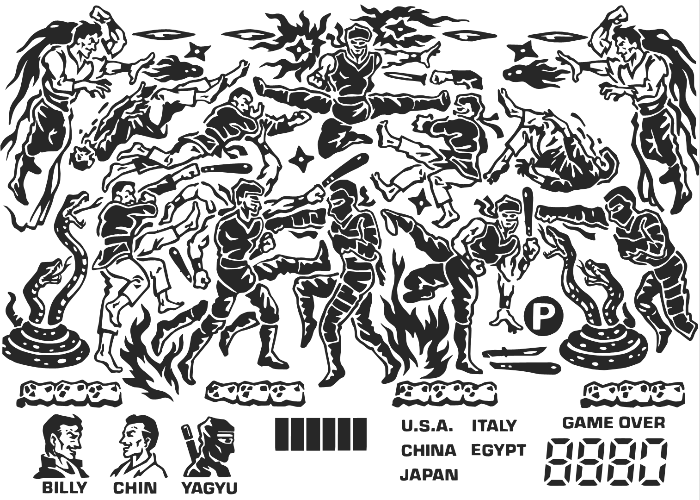
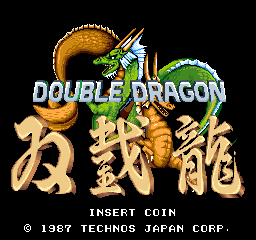
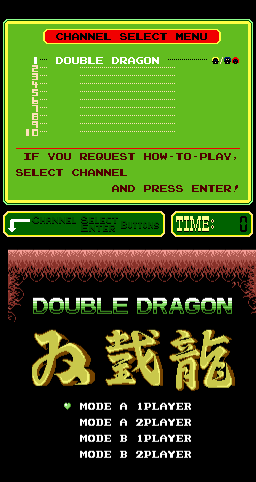
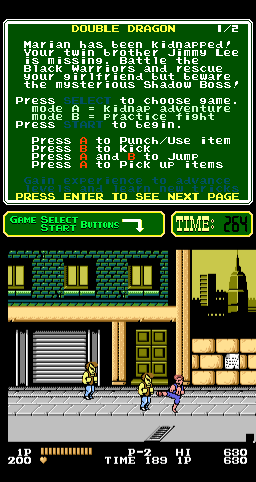
《Double Dragon (PlayChoice-10)》是 Classic Arcade Games 可玩庫中的一台 Arcade 機櫃。目錄標籤歸入:Fighter, Arcade。本頁用 EmulatorJS 在瀏覽器裡直接開玩,無需另下安裝包或桌面模擬器。
本庫記錄的人數布局:2P sim。
若想按手感逛而不是按標題,可點上方標籤進入對應類型廳,或回到 Arcade 廳看整面機櫃牆。
在本頁點「開始遊戲」即可啟動《Double Dragon (PlayChoice-10)》。鍵盤、USB/藍牙手把,以及模擬器列裡的觸控虛擬手把都可用。即時存檔與全螢幕也在同一條底列,方便中途暫停再繼續。
本機櫃人數佈局:2P sim。
本站類型標籤:Fighter, Arcade。
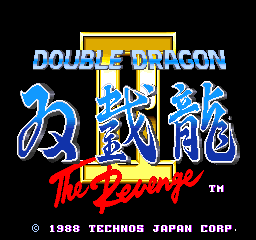
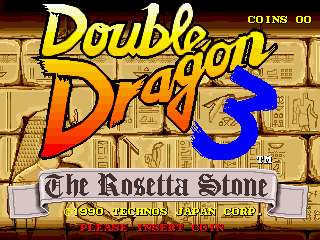
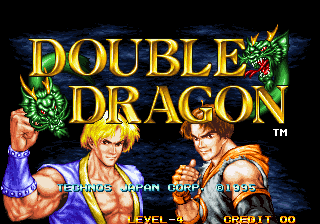
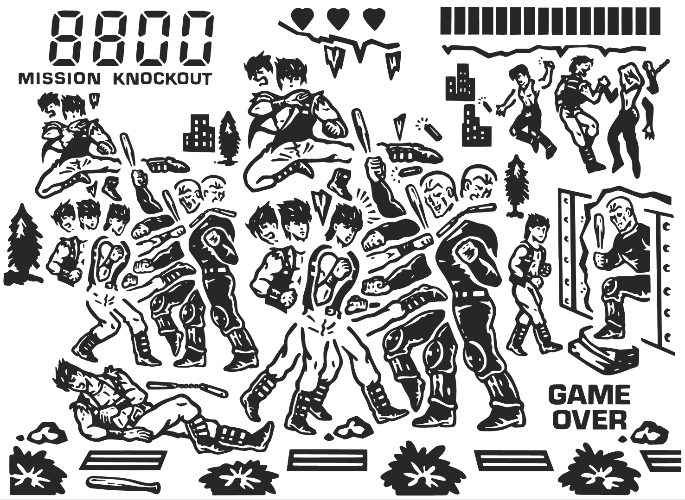
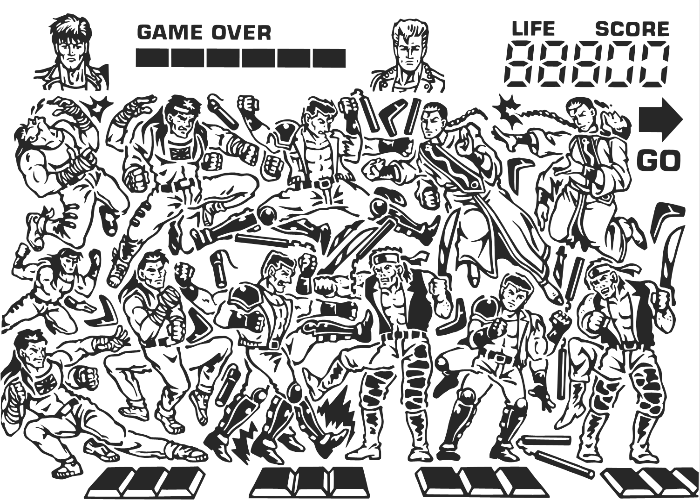
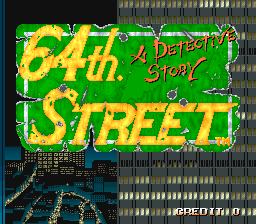
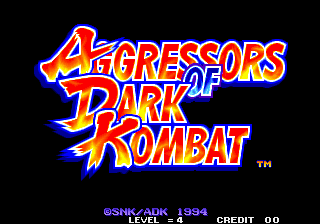
同廳附近還可打開(各有獨立開玩頁):Double Dragon (Japan), Double Dragon II - The Revenge (World), Double Dragon 3 - The Rosetta Stone (US), Double Dragon (Neo-Geo), Double Dragon (handheld), Double Dragon 3 - The Rosetta Stone (handheld), Super Double Dragon (handheld), 64th. Street - A Detective Story (World), Aero Fighters (World / USA + Canada / Korea / Hong Kong / Taiwan) (newer hardware), Aggressors of Dark Kombat / Tsuukai GANGAN Koushinkyoku (ADM-008 ~ ADH-008), Art of Fighting / Ryuuko no Ken (NGM-044 ~ NGH-044), Art of Fighting 2 / Ryuuko no Ken 2 (NGM-056)
Double Dragon (Japan) · Double Dragon II - The Revenge (World) · Double Dragon 3 - The Rosetta Stone (US) · Double Dragon (Neo-Geo) · Double Dragon (handheld) · Double Dragon 3 - The Rosetta Stone (handheld) · Super Double Dragon (handheld)
Double Dragon (Japan) · Double Dragon II - The Revenge (World) · Double Dragon 3 - The Rosetta Stone (US) · Double Dragon (Neo-Geo) · Double Dragon (handheld) · Double Dragon 3 - The Rosetta Stone (handheld) · Super Double Dragon (handheld) · 64th. Street - A Detective Story (World) · Aero Fighters (World / USA + Canada / Korea / Hong Kong / Taiwan) (newer hardware) · Aggressors of Dark Kombat / Tsuukai GANGAN Koushinkyoku (ADM-008 ~ ADH-008) · Art of Fighting / Ryuuko no Ken (NGM-044 ~ NGH-044) · Art of Fighting 2 / Ryuuko no Ken 2 (NGM-056)
可以。Classic Arcade Games 把《Double Dragon (PlayChoice-10)》作為 Arcade 機櫃放在本頁,點開始即可在瀏覽器裡載入模擬器,不必另裝應用。
街機手感:方向鍵當搖桿,X/Z 等作按鍵,Enter=Start。 USB / 藍牙手把可直接用;六鍵格鬥用面鍵區。
同系列相關機櫃包括:Double Dragon (Japan), Double Dragon II - The Revenge (World), Double Dragon 3 - The Rosetta Stone (US), Double Dragon (Neo-Geo), Double Dragon (handheld), Double Dragon 3 - The Rosetta Stone (handheld), Super Double Dragon (handheld)。每台都有獨立頁面,瀏覽器開玩路徑相同。
複製下方 iframe 程式碼,即可把遊戲嵌到你的網站。
<iframe src="https://tw.classicarcade.games/games/arcade/pc_ddrgn?embed=1" width="800" height="600" allowfullscreen allow="gamepad; autoplay; fullscreen"></iframe>